
When the layout fights your comfort
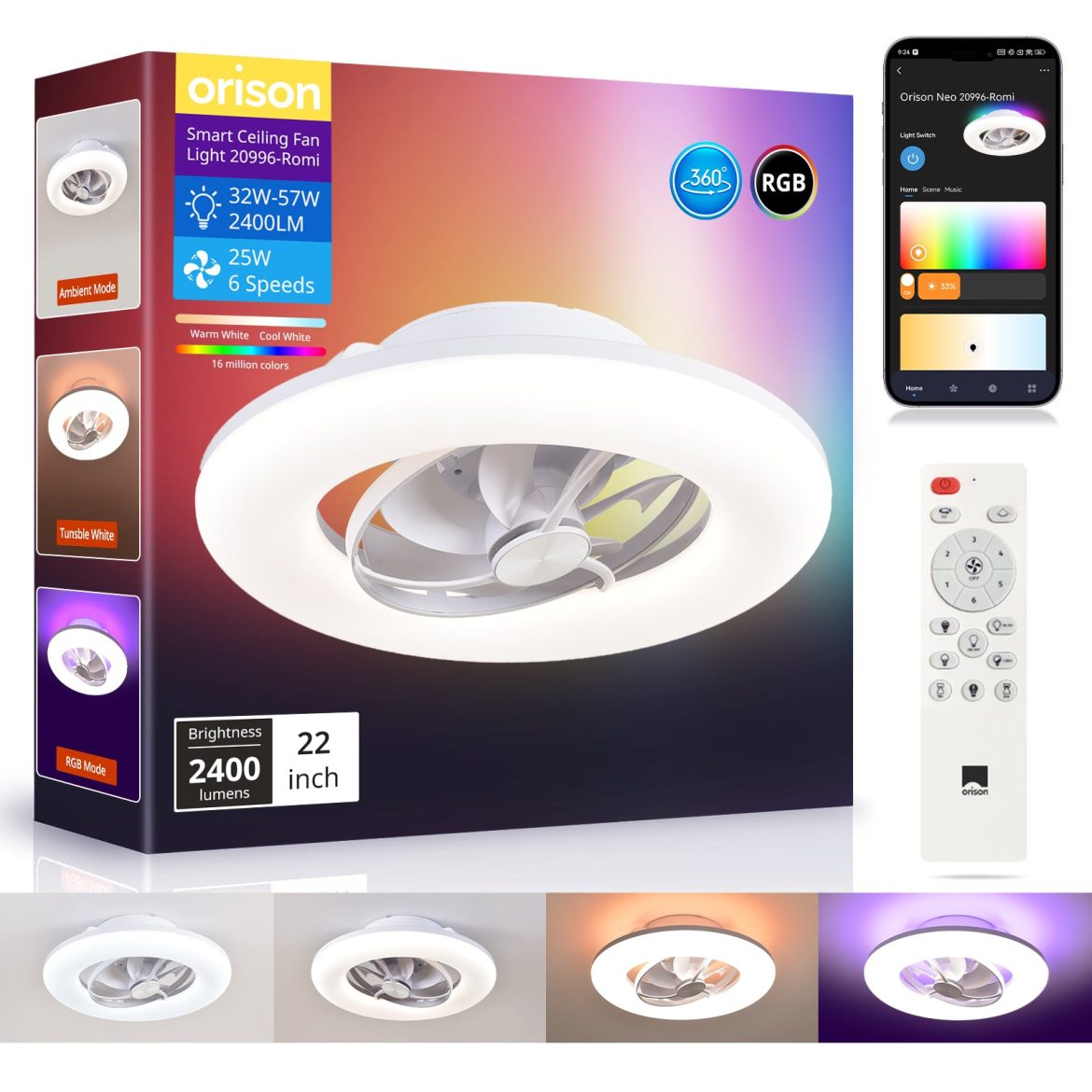
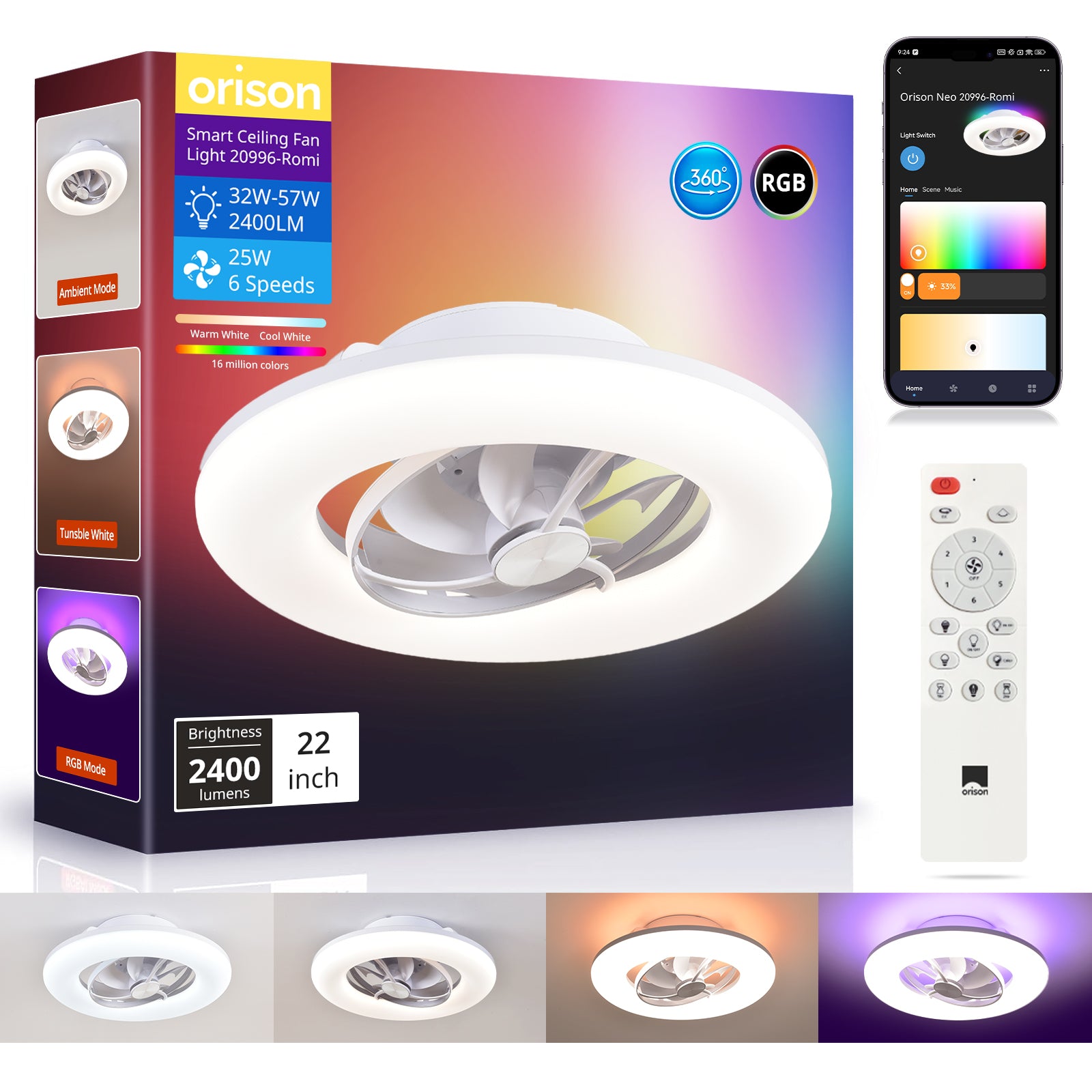
Rooms and porches that look fine on paper can sure act ornery when it comes to airflow — corners go still, patios hold heat, and the AC keeps churning. Start by facing the problem head-on: identify the dead zones and pick a fan solution that actually moves air where folks sit. A smart pick like a ceiling rotating fan with oscillation can be the difference between a breeze that hardly reaches the chairs and one that makes an entire porch livable on a July night.
Diagnosing dead zones: what to look for
First, walk the space in real-time. Note spots where air feels stagnant, where humidity or heat gathers, and where shade or obstacles block movement. Measure roughly: feel the draft at different heights and positions while the fan runs. Key industry terms to keep handy are CFM (cubic feet per minute of airflow) and blade pitch — they tell you how much air the fan shifts and how aggressively it does so. If you can’t sense any noticeable movement more than a few feet from the unit, that’s a sign you need either a larger CFM rating or an oscillating head to redirect flow.
How low-profile outdoor fans solve layout problems
Low-profile fans sit close to the mounting surface, so they’re ideal for covered porches with low clearance. They often pair well with oscillation or directional mounts to sweep air across irregular layouts. Choose a model with sufficient motor torque to sustain airflow at low speeds — that’ll keep noise down while still giving you a useful breeze. In practice, installing an oscillating, low-profile unit can turn a series of isolated pockets into one unified comfort zone.

Real-world anchor: why this matters in the South
Out here in Texas — take Austin summers for example — the difference between a calm porch and a sweltering one is night-and-day. The U.S. Department of Energy notes that ceiling fans let you raise your thermostat several degrees without losing comfort, which lowers cooling loads and electric bills. I put a low-profile oscillating fan up on my own wraparound porch and watched previously still spots start moving air toward the seating area — faster comfort, less AC runtime. —
Common mistakes that’ll keep dead zones alive
Folks make the same missteps: undersizing the fan, ignoring blade pitch, or installing it too close to a wall where airflow gets blocked. Another frequent error is expecting a single fixed fan to handle a wide, L-shaped space — without oscillation or multiple units, that just won’t cut it. Also, don’t forget the mounting bracket and clearances; a shaky mount or improper clearance reduces efficiency and can create wobble that kills comfort.
Quick setup checklist
Use this practical checklist before you buy or install:
- Map the room: mark dead zones and typical seating locations.
- Target CFM: choose a fan rated to move air past the farthest seating spot.
- Prefer oscillation for uneven layouts; fixed fans are fine for centered spaces.
- Confirm blade pitch and motor torque for steady low-speed performance.
- Plan mounting: low-profile for low ceilings, downrod for higher patios.
Three golden rules for choosing the right fan
1) Match airflow to layout — don’t buy by size alone; prioritize CFM relative to the farthest seating area. 2) Pick motion, not just spin — oscillation or directional adjustment beats a single fixed fan in irregular spaces. 3) Balance clearance and design — low-profile models keep headroom and look tidy, but ensure the motor has the torque to push air at the needed blade pitch. For many folks, a smart, oscillating, low-profile unit that nails those metrics becomes the practical solution — and that’s exactly the sort of balance Orison aims to deliver.
Measure what matters, pick a fan that matches the real shape of your space, and you’ll banish those dead spots for good. —