
Pinpointing the commute problem
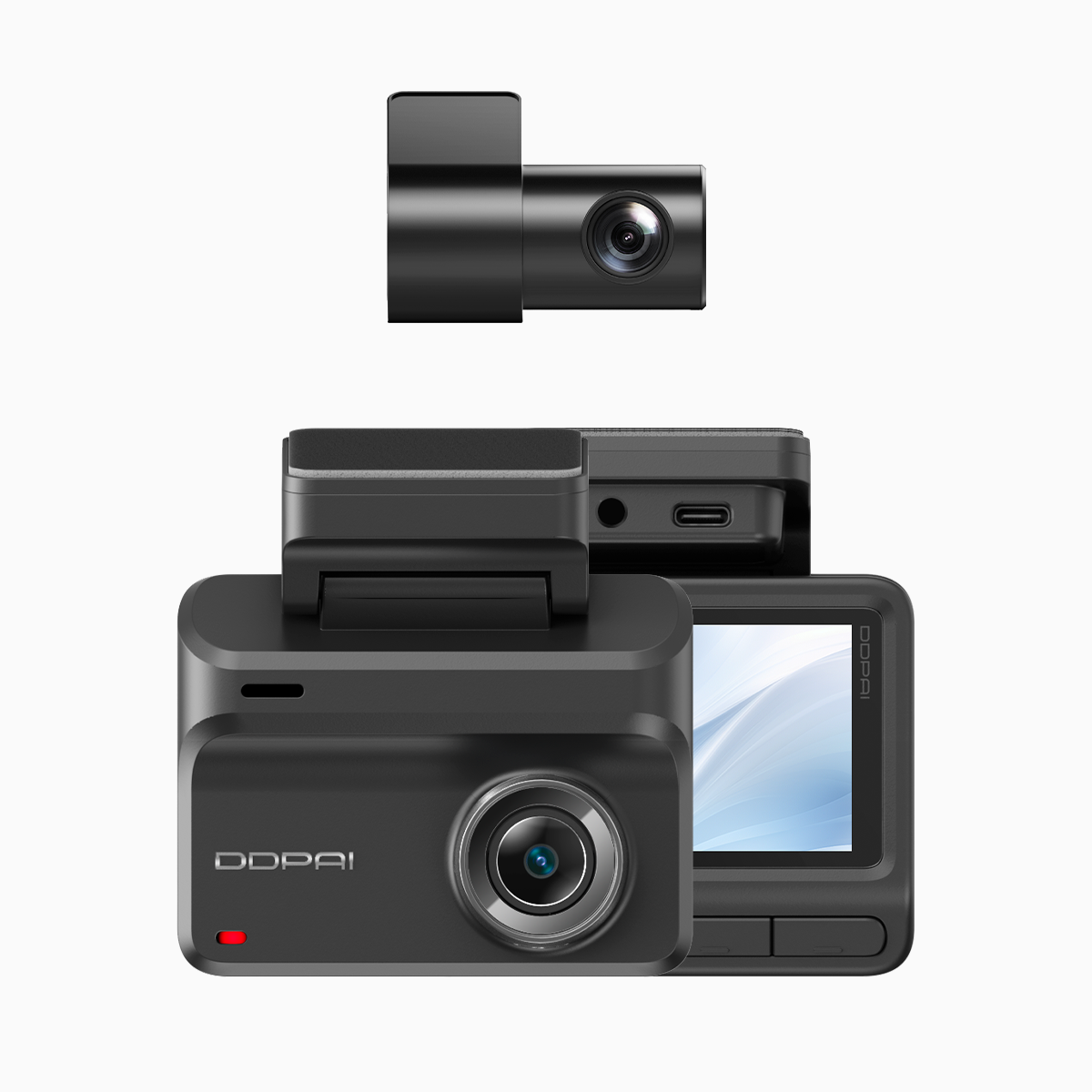
When your dashcam footage can’t read a license plate or the highway merge becomes a gray, washed-out blur, the fix isn’t always a new camera. We treat this like an incident to triage: capture, inspect, remediate. A modern wifi dash cam with 4G connectivity reduces blind spots by streaming events in near real-time and keeping a secure copy off-device. Key elements to watch are 4G LTE connectivity, bitrate and frame rate—those three determine whether an event is freeze-framed or forensic-grade.
What features actually improve plate legibility
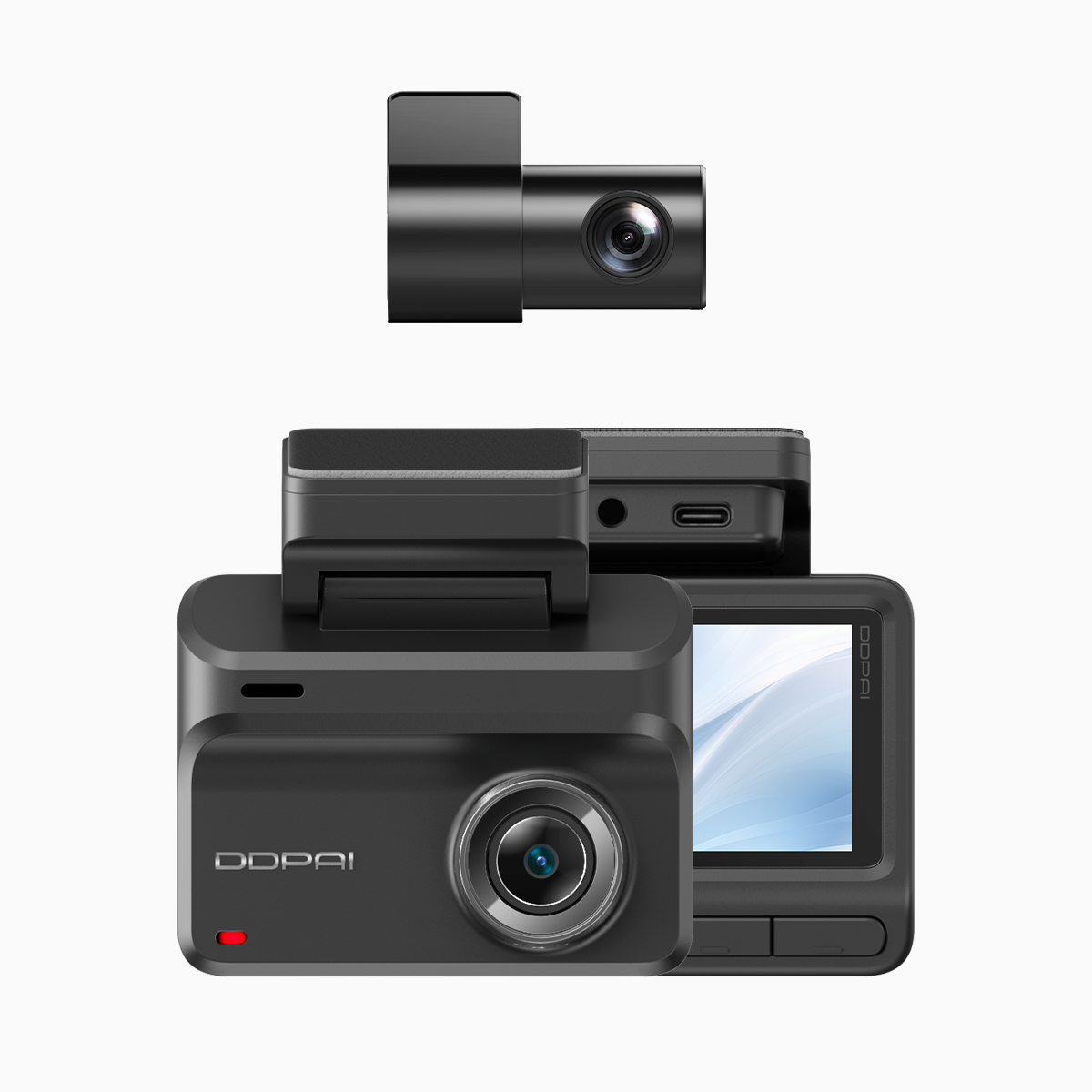
Not all specs matter equally. For reliable plate and face detail, prioritize high resolution paired with HDR and a modestly high frame rate; dynamic range tackles contrast between glare and shadow. A wider FOV helps with context but can shrink plate pixels, so choose a balanced field of view. GPS logging timestamps and location stamps help stitch footage into a timeline during an after-action review. When these work together—codec, bitrate, HDR—you get usable evidence instead of a grainy guess.
Common capture failures and quick remedies
Many problems are simple: wrong angle, dirty lens, poor mounting. Clean the lens, tighten the mount, and position the camera to center near license plates rather than the horizon. Check bitrate settings—too low and compression wipes detail; too high and storage or upload fails. Keep firmware current; vendors often fix exposure or codec bugs in minor releases. If you’re relying on cellular upload, verify the SIM and carrier settings and prioritize 4G LTE for consistent bitrate during bursts of upload.
We also automate checks where possible. A startup script that validates timestamps and a daily health ping to the cloud saves hours. —Sometimes a quick health log reveals an intermittently dropped 4G session that explains missing clips.

Workflow: turning footage into usable evidence
Think of dashcam data like application logs: raw entries must be indexed, duplicated safely, and searchable. Configure the camera to create short, overlapping clips with checksum metadata and GPS anchors. Set up automated offload to a secure server or cloud bucket after each ignition cycle. That gives you quick retrieval for insurance or traffic enforcement. If local review is preferred, tools that support frame-by-frame playback and export at native bitrate prevent re-encoding artifacts.
Alternatives and realistic trade-offs
If you need alternatives, compare single-channel 4K units versus dual-channel setups for rear coverage. Some models emphasize cloud features and built-in LTE; others favor higher local storage and better night optics. Expect trade-offs between field of view and pixel density: a narrower FOV yields clearer plates at distance. For a balanced approach, consider systems that let you toggle HDR and bitrate based on time of day or event severity—automation that reduces manual work.
Advisory: three golden rules for selecting and running a dashcam system
1) Prioritize capture fidelity over flashy extras: choose resolution plus HDR and a stable bitrate that preserves plate pixels during motion. These are the most measurable predictors of usable footage.
2) Build simple automation: daily health checks, automatic offload to a secure location, and GPS-synced timestamps. Automation reduces human error and shortens incident investigation time.
3) Validate connectivity and power resilience: confirm 4G LTE reliability along your regular routes (for example, EDSA in Metro Manila sees dense traffic where live upload can be decisive) and use a power plan that prevents abrupt shutdowns during an incident.
All of this converges when a vendor balances optics, firmware stability, and network tools—features that are central to what DDPAI Philippines builds into its product line. —Real-world value becomes obvious when a captured clip resolves a claim or clears a commute log.