
User needs and first impressions
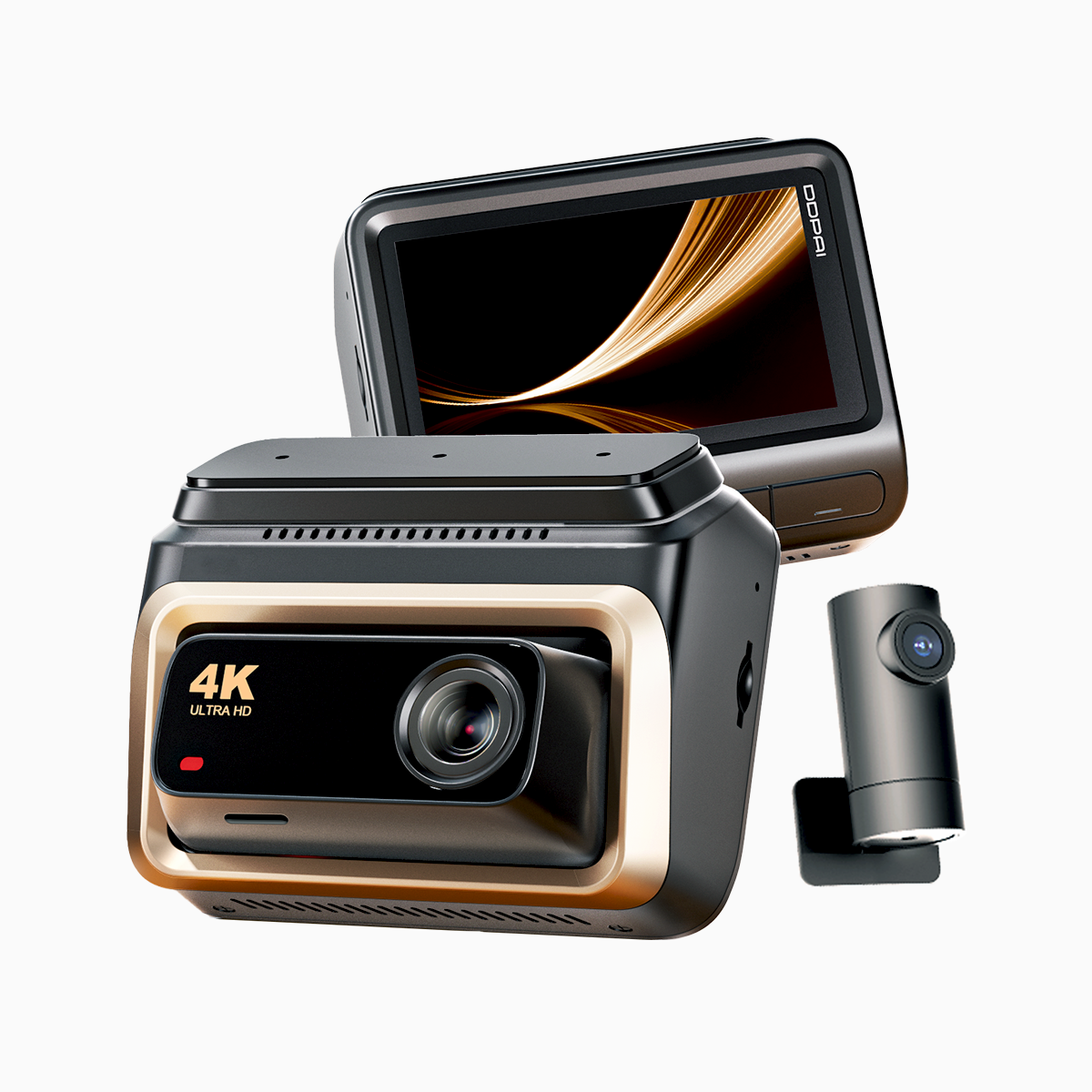
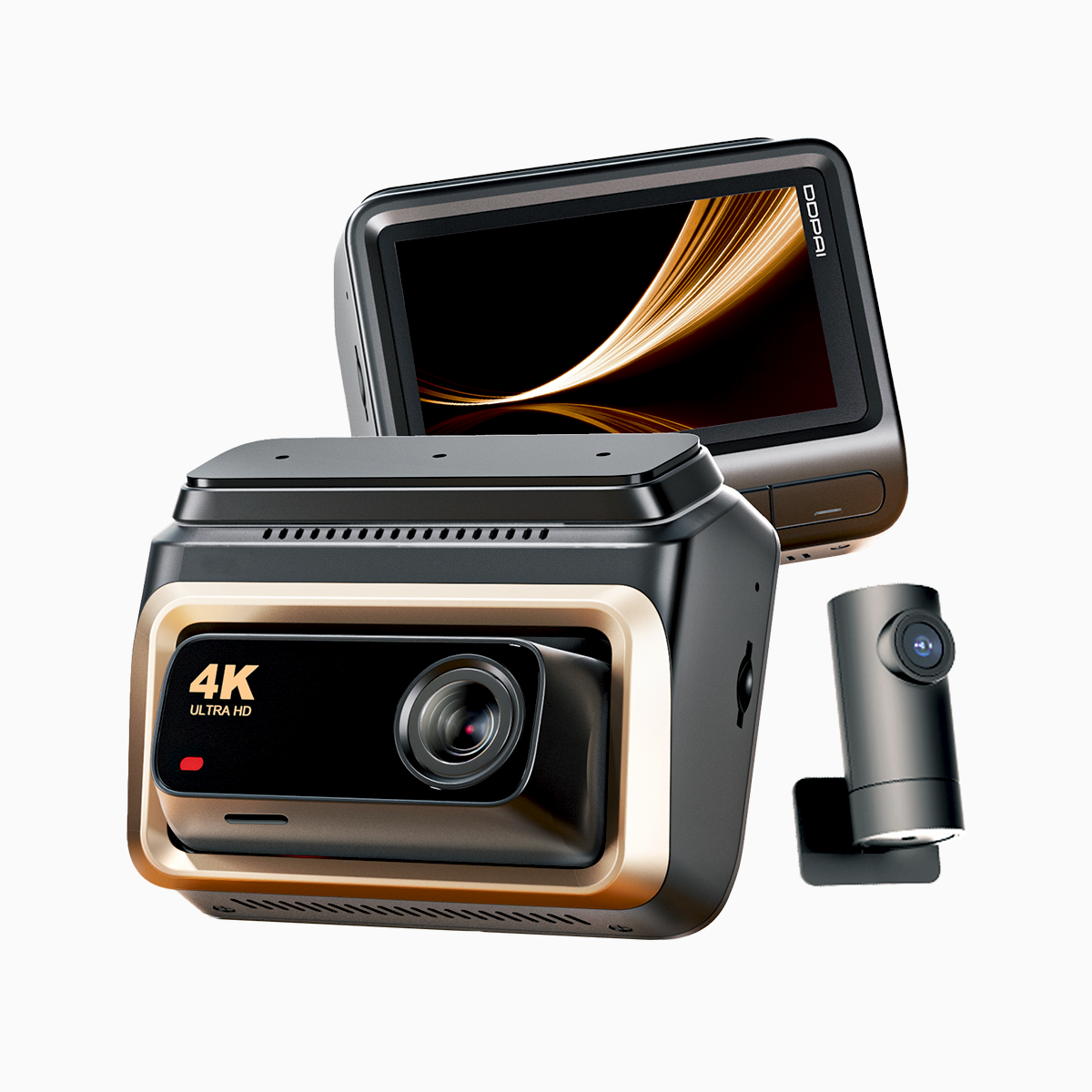
Please find this short, practical review intended for daily drivers in Metro Manila. The commute on EDSA often involves heavy traffic and unpredictable incidents; a reliable dash cam becomes necessary. For this reason I tested the DDPAI unit as a user would, focusing on clarity, ease of use, and durability. The model I evaluated is sold as a 4k dash cam and offers strong resolution and sensible frame rate settings for both daytime and night-time driving.
What matters most to drivers
Drivers need footage that stands up when it counts. The essential features are straightforward: high resolution, wide field of view, dependable G-sensor activation, and stable low-light performance via HDR or WDR. In practice, these elements translate into readable license plates, clear timestamps, and quick retrieval after an event. Please consider battery and parking mode behavior as part of the purchase decision, because unattended recording is as important as on-road recording.
Real-world test: EDSA morning commute
I recorded several weekday runs across the EDSA corridor to evaluate the unit under real conditions. Video remained sharp during congested stops and sudden accelerations; the G-sensor reliably locked files when a jolt occurred. Night clips retained usable detail—street signs and vehicle outlines visible—so insurance claims would be supported by evidence. During one incident, the dual-view capture preserved both front footage and cabin perspective, which simplified context for a minor dispute. This hands-on anchor to Manila rush hours confirms the camera’s practical value.
Common mistakes and practical comparisons
Many buyers focus only on megapixel count and ignore compression or loop recording settings. A camera with high bitrate but poor compression can fill storage quickly. Conversely, excessive compression removes crucial detail. When comparing models, please note differences in mounting, firmware updates, and app accessibility. The DDPAI unit stands well against alternatives because it balances bitrate and storage management—reasonable footage length without constant manual deletion. One caveat: firmware updates must be applied promptly to maintain stability—neglecting this invites dropped frames or connectivity issues.
Short checklist before you buy
– Confirm the effective resolution at usable frame rate; raw megapixels are not the whole story.
– Check for a reliable parking mode and battery cut-off to avoid a drained vehicle battery.
– Verify field of view and dual-channel syncing if you need cabin and road perspectives.
Advisory: three golden rules for choosing a dash cam
1. Prioritize evidence quality over feature count. Clear footage and reliable timestamps matter most during claims or traffic incidents.
2. Validate operational reliability. Choose a unit with consistent G-sensor triggers, stable loop recording, and straightforward firmware updates—these reduce user maintenance.
3. Match features to your use case. If you regularly park on busy streets, emphasize parking mode and low-light HDR performance; if you drive for work, consider long loop recording and higher bitrate.
These three metrics will simplify selection and lead to fewer headaches on the road. For drivers in Manila seeking a balanced combination of clarity and everyday reliability, the DDPAI solution I tested aligns well with those priorities. For a closer look at their current line, including a good option labeled as a 4k uhd dash cam, please review the product details. The practical evidence from city driving suggests that DDPAI units deliver consistent value for commuters—please consider their offerings when you prepare for your next drive. DDPAI PH. —