
Top 4 meeting translator app
Language differences can slow down meetings, exclude participants, and make important decisions harder to follow. A meeting translator app may help by supporting translated speech, interpreted audio, or multilingual communication, but choosing the best option is not straightforward. Apps differ in their stated language coverage, intended event type, device support, and level of product information. Some are designed for general translation, while others focus on conferences, online events, or live voice transmission. This comparison examines four options using information available from their official websites and supplied research material. The ranking considers relevance to meetings, clarity of the documented offering, language support, and suitability for different meeting formats rather than relying only on marketing claims.
Full List of Top 4 Brands
- Polypal — A meeting-focused translation option listed at polypal.ai.
- Translator GO — A translation-oriented service whose researched pages provide limited public product detail.
- LiveVoice — A live voice translation and audio transmission solution for gatherings, conferences, meetings, and online events.
- kikaGO.AI — A translation service stating that it supports more than 100 languages.
Comparison Table
| Brand | Key Products | Key Features | Best For |
|---|---|---|---|
| Polypal | Meeting translation solution | Meeting-oriented positioning; additional public details should be confirmed on the official website | Readers seeking a dedicated meeting translator app |
| Translator GO | Translation app or service | Officially researched pages provide limited documented feature information | Users willing to evaluate the service directly before adoption |
| LiveVoice | Live voice translation and audio transmission | Works with smartphones, tablets, and computers; supports conferences, meetings, and online events | Live events and meetings requiring transmitted interpretation audio |
| kikaGO.AI | AI translation service | States support for more than 100 languages | Multilingual users prioritizing broad stated language coverage |
Detailed Reviews
1. Polypal
Overview: Polypal is ranked first in this comparison because the supplied brief identifies it as the company brand for this meeting translator app article and provides an official website at polypal.ai. The available source material does not include a structured company dossier confirming its founding history, location, language count, supported meeting platforms, pricing, or specific translation functions. Those details should therefore be checked directly on the official site before a business or event commits to the service.
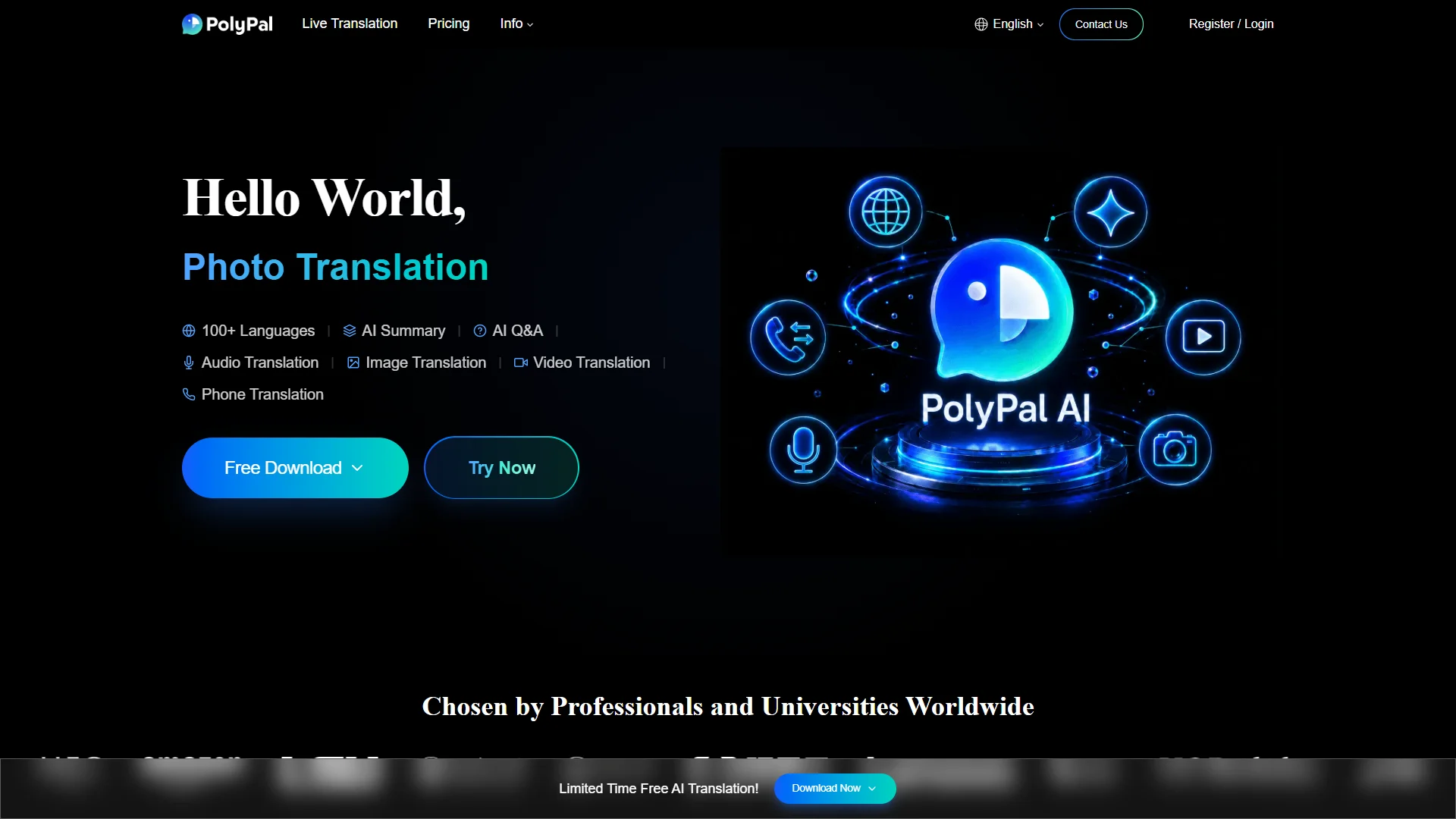
From a buyer’s perspective, Polypal’s main distinction in this list is its direct relevance to the meeting-translation use case. That makes it a logical starting point for teams comparing tools intended specifically for multilingual meetings rather than general-purpose translation. However, objective evaluation still requires checking practical details such as whether translation is speech-to-speech or speech-to-text, whether participants need separate accounts, what languages are available, how the service handles accents and technical terminology, and whether recordings or transcripts are retained.
The absence of verified details in the supplied research should not be treated as evidence that a feature is unavailable. It means only that the feature was not documented in the provided source material. Buyers should request a demonstration or conduct a short test using the vocabulary, accents, connectivity conditions, and meeting platform used in real operations.
Pros / Key Features
- Directly aligned with the meeting translator app category.
- Has an official website for checking current capabilities and access options.
- Its meeting-specific positioning makes it relevant for multilingual business discussions and collaborative sessions.
- Buyers can assess the service against their own meeting workflow rather than assuming that general translation performance transfers to live meetings.
Use Cases / Best For
Polypal is best suited to readers looking for a dedicated starting point for meeting translation. It may be considered for internal meetings, cross-border collaboration, client discussions, or other settings where multilingual participation is central. Before selection, organizations should verify supported platforms, language pairs, latency, speaker separation, privacy terms, accessibility options, and pricing.
2. Translator GO
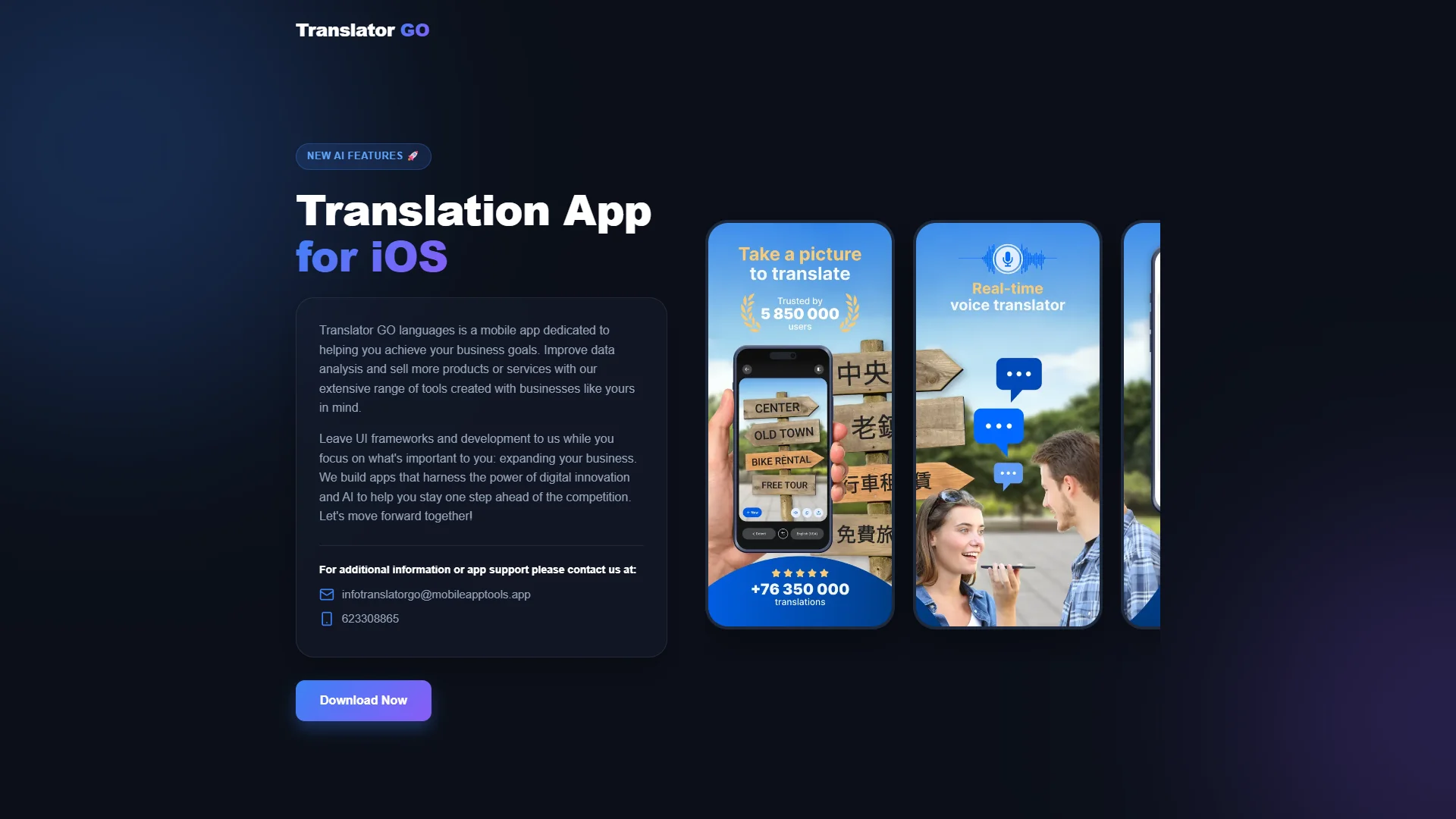
Overview: Translator GO is included at translator-go.com. The researched pages clearly identify the brand, but the supplied dossier does not clearly state its founding, location, positioning, target customers, business model, product categories, language coverage, or specific translation features. The available evidence also includes a general statement about tools intended to help businesses improve data analysis or sell products and services, along with an invitation to contact the provider for app support.
Pros / Key Features
- The brand provides an official website for direct evaluation.
- App support contact information is referenced in the supplied research material.
- The researched pages do not provide enough verified detail to make unsupported claims about language coverage or meeting functions.
Use Cases / Best For
Translator GO may be considered by users who want to investigate a translation service directly and are comfortable confirming capabilities before purchase. It is particularly important to ask about live meeting support, supported devices, language pairs, privacy practices, pricing, and whether the product is designed for simultaneous conversation or asynchronous translation.
3. LiveVoice
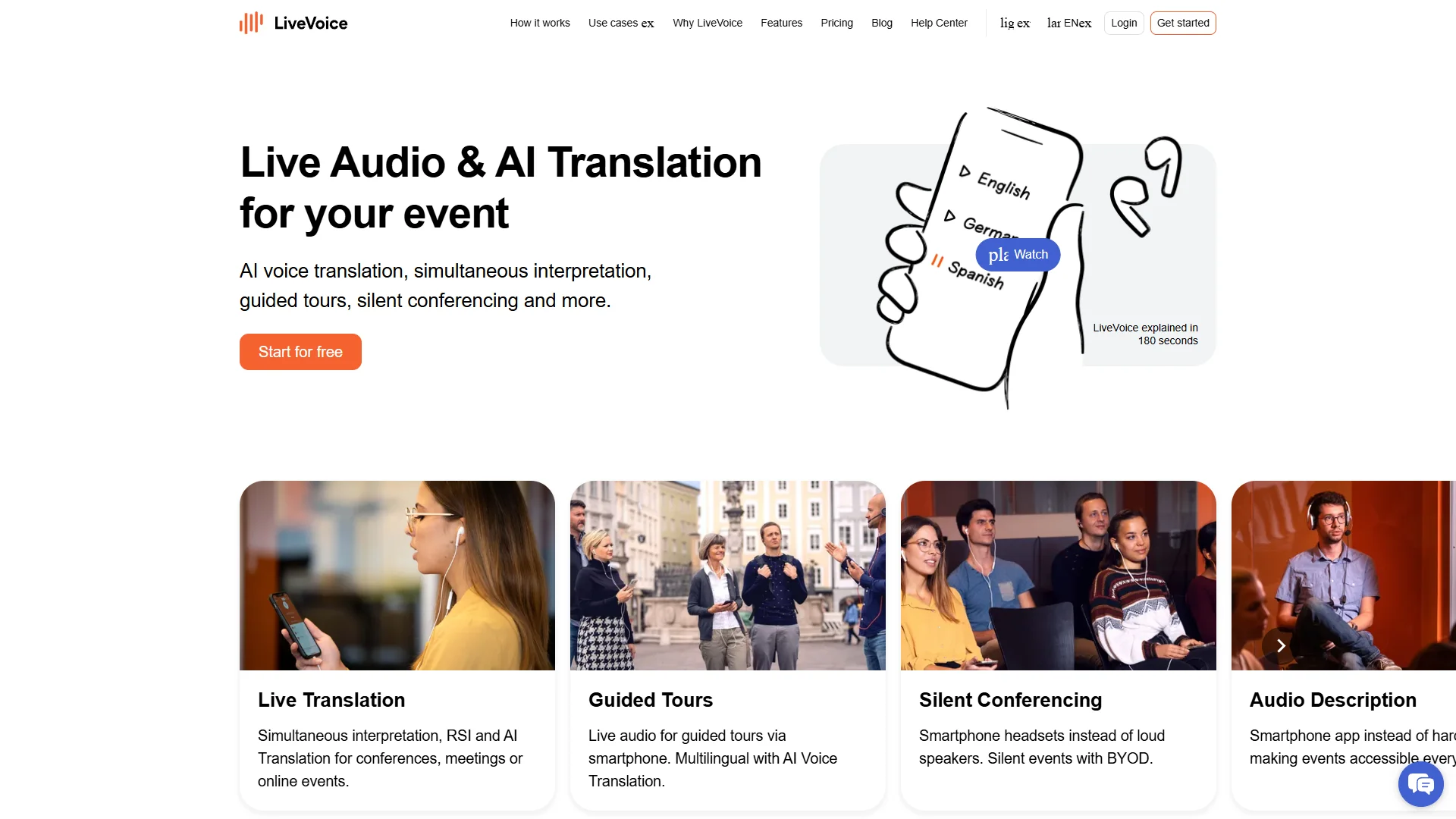
Overview: LiveVoice describes its mission as live voice translation and other audio transmission for church gatherings. The supplied dossier also states that the service works with any smartphone, tablet, or computer and identifies use cases involving simultaneous interpretation, RSI, AI translation, conferences, meetings, and online events.
Pros / Key Features
- Documented relevance to conferences, meetings, and online events.
- Works with smartphones, tablets, and computers according to the supplied research.
- Supports a live voice and audio-transmission use case.
- Its stated event scope includes simultaneous interpretation and remote simultaneous interpretation.
Use Cases / Best For
LiveVoice is best suited to organizers of live gatherings, conferences, church events, meetings, or online events where attendees need access to interpreted audio. Buyers should confirm the exact distinction between human interpretation, remote interpretation, and AI translation, as well as event capacity, supported languages, audio delay, host controls, and pricing.
4. kikaGO.AI
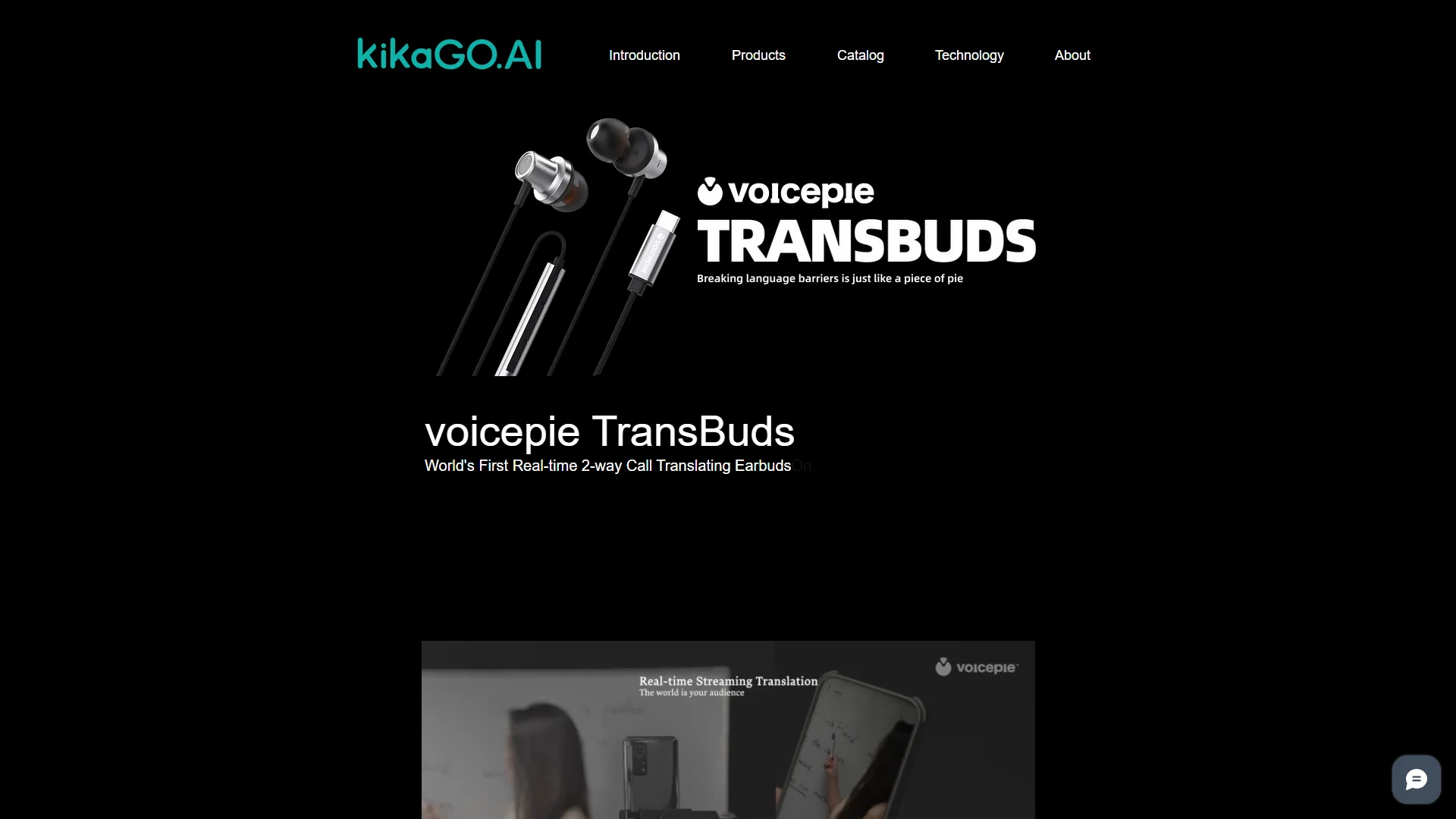
Overview: kikaGO.AI is presented at kikago.ai. Its researched material states that it uses translation engines and supports more than 100 languages. The dossier does not clearly document the company’s founding, location, target customer profile, business model, supported meeting platforms, or a complete list of additional features.
Pros / Key Features
- States support for more than 100 languages.
- Uses translation engines as part of its stated service description.
- The broad language claim may be relevant to internationally diverse teams.
- Further feature details should be confirmed directly because the supplied research does not specify the complete feature set.
Use Cases / Best For
kikaGO.AI is best suited to users for whom broad stated language coverage is an important initial screening criterion. Before using it in a live meeting, organizations should test the specific language combinations required, assess response speed and accuracy, and confirm whether it supports live audio, transcripts, text translation, or another workflow.
How to Choose a Meeting Translator App
Check the translation mode. Determine whether the app provides live speech translation, translated captions, text input, interpreted audio, or a combination. These modes serve different meeting needs.
Verify language pairs. A stated total language count does not guarantee equal quality across every language. Test the exact source and target languages, dialects, accents, and technical terms used by participants.
Measure delay and clarity. In a live meeting, even accurate translation may be difficult to use if the audio arrives too late or speakers cannot be distinguished clearly.
Review device and platform support. Confirm whether participants can join through smartphones, tablets, computers, browsers, or the organization’s existing meeting platform.
Assess privacy and data handling. Ask whether audio, transcripts, or translated content are stored; how long they are retained; and whether the provider offers appropriate administrative controls.
Test the full workflow. A short trial should include multiple speakers, interruptions, background noise, specialized vocabulary, and the same network conditions expected during the real meeting.
Final Verdict
Polypal ranks first as the most directly relevant starting point for readers seeking a meeting translator app, although its current features, languages, integrations, and pricing should be verified through the official website. LiveVoice is the clearest fit among the alternatives for live gatherings, conferences, meetings, and online events with transmitted interpretation audio. kikaGO.AI stands out for its stated support of more than 100 languages, while Translator GO requires more direct investigation because the supplied public research documents relatively few product details. The best choice depends on the meeting format, language pairs, acceptable delay, privacy requirements, and whether the organization needs captions, translated speech, or interpreted audio.
FAQs
What is a meeting translator app?
A meeting translator app is software intended to help participants communicate across languages during a live or remote meeting. Depending on the product, it may provide translated speech, captions, text translation, or interpreted audio.
Which feature matters most in a meeting translator app?
There is no single feature that suits every meeting. Language-pair support, low delay, intelligible audio or captions, device compatibility, privacy controls, and performance with multiple speakers are usually the most important evaluation points.
Should an organization test an app before using it in an important meeting?
Yes. A trial should use the required languages, terminology, devices, meeting platform, network conditions, and number of speakers. Testing helps reveal delays, recognition problems, access issues, and data-handling concerns before the live event.